How to Change Store Name on Shopify and Rebrand for Growth
Jan 5, 2026
|
Published
Changing your Shopify store name seems simple, and technically, it is. You can hop into your Shopify admin > Settings > Store details, type in a new name, and hit save in under a minute. Just like that, your public-facing storefront has a new identity.
Your Guide to Changing a Shopify Store Name
But before you make that quick change, it’s super important to understand what "store name" actually means inside the Shopify ecosystem. With over 4.82 million active Shopify stores out there, a name change is way more than a cosmetic tweak—it's a strategic move that can define your brand's future. It's an opportunity to not just rebrand but to rethink your entire customer experience. If you want to understand why branding matters so much in this space, you can read more about Shopify's massive economic impact.
This whole concept can get a little confusing, so let's break down the different pieces of your store's identity.
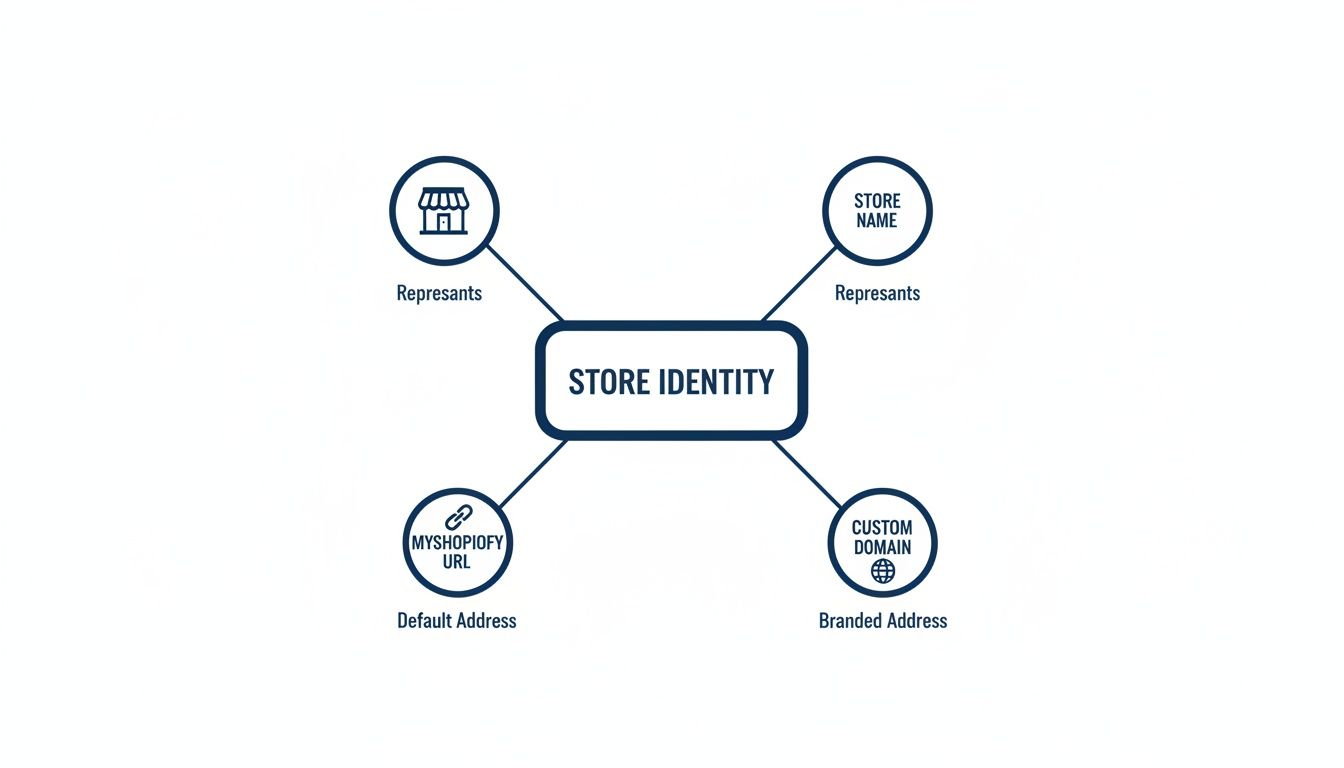
As you can see, the public-facing store name you can change is totally separate from the permanent myshopify.com URL you got at signup. It's also distinct from the custom domain your customers actually type into their browser.
Clarifying What You Can Change
This is probably the most common point of confusion I see with merchants. Your Shopify account has several "names" tied to it, and they don't all work the same way. Getting this straight from the start will save you a ton of headaches.
I've put together a quick table to make it crystal clear.
Understanding Your Shopify Names: What You Can and Cannot Change
Name Type | What It Is | Where to Find It | Can You Change It? |
|---|---|---|---|
Store Display Name | The public name on your website, emails, and checkout. This is your brand identity. | Settings > Store details | Yes, anytime. |
| The original, internal URL Shopify created for you ( | Settings > Domains | No, this is permanent. |
Custom Domain | Your branded, customer-facing URL ( | Settings > Domains | Yes, you can add or change it. |
Legal Business Name | The official name on your legal documents and invoices. | Settings > Store details | Yes, but it must match your legal registration. |
Knowing this distinction helps you focus your energy where it matters—on the elements that actually shape how your customers see you.
A name change is also the perfect moment to think bigger about your customer relationships and lifetime value. Instead of just announcing the new name with a hefty discount, use this opportunity to introduce a rewards system with perks like a free gift, free shipping, or a small discount for loyal customers.
Tools like Monster Cart are brilliant for this because they can build that excitement right into the shopping cart. This approach boosts your average order value and reinforces your new brand in a positive way that's all about adding value, not just cutting prices.
How to Change Your Shopify Store Name: The Practical Steps
Alright, now that we're clear on the different names tied to your Shopify store, let's get down to the nitty-gritty of actually changing your public-facing brand identity. This isn't just about swapping some text in a box; it’s about making sure every single place a customer sees your name reflects the new you.
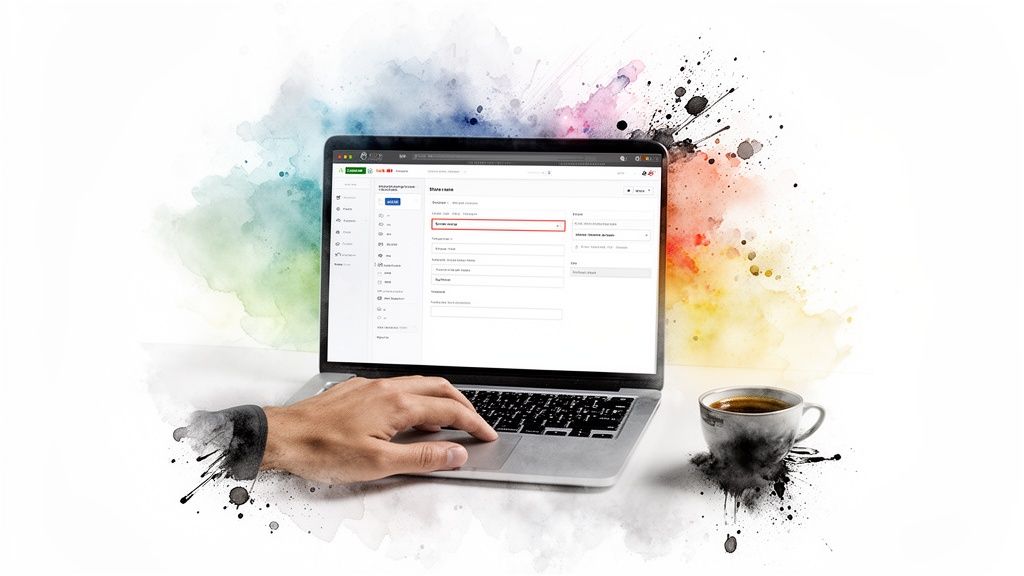
The main change happens right inside your Shopify admin. Just head over to Settings > General and look for the Store details section at the very top. This is your command center for the public-facing name.
Simply type your new name into the "Store name" field and hit that Save button.
Once you save, Shopify gets to work, pushing that change across most of your storefront almost instantly. But you should never just trust that it's done. You have to verify it yourself.
Verifying Your New Name is Live
After saving the change, pop open your live website in a new browser tab. You'll want to do a quick but thorough check of a few key spots to make sure everything looks right:
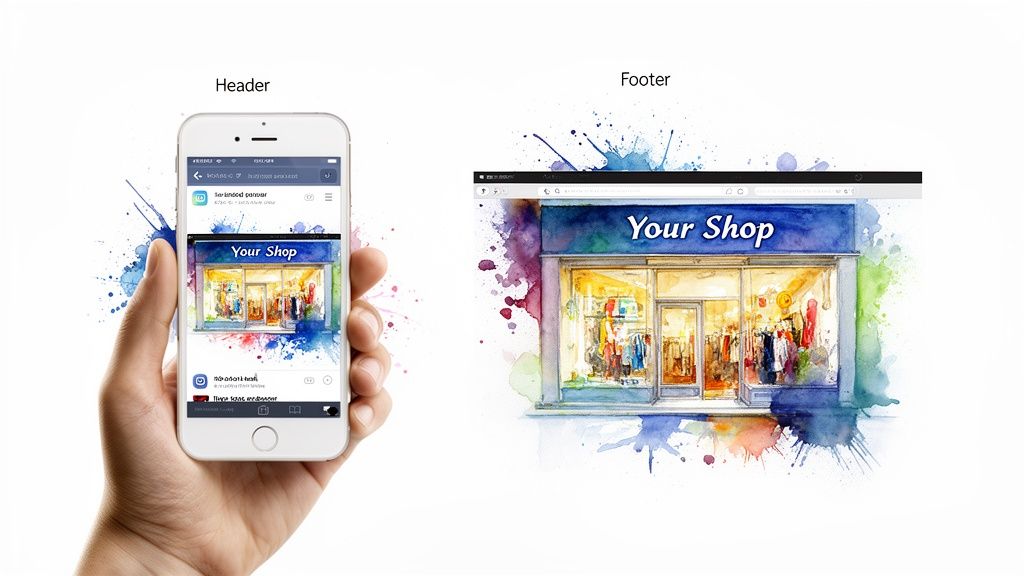
Store Header: This is the most obvious one. Is your new name or logo showing up at the top of every page?
Footer: Scroll all the way down. Check the copyright notice and any other store info to see if it’s been updated.
Transactional Emails: This is a big one people forget. Place a quick test order. Do the order confirmation and shipping notification emails show your new brand name?
While you're in that Store details section, it's also a smart move to update the "Sender email." Changing it from something like info@oldbrand.com to hello@newbrand.com ensures a consistent, professional look for your customers from start to finish.
A name change is a fantastic excuse to re-engage your customers. Don't just announce it—make it an event. You could launch the new brand with an offer that builds lifetime value, like a free gift for the first 100 orders under the new name instead of a deep discount.
A Few Final Technical Points
So, the process is pretty straightforward: from your admin, you go to Settings > General, edit that top field under Store details, save, and then check your work on the live site. Keep in mind, some highly customized themes (like Booster, for example) might require an extra tweak in the theme settings to pull the new name through correctly.
Now, while your display name is easy to change, your original yourstore.myshopify.com URL is permanent. The only way to change that is to set up a brand new store, which is almost never necessary. What really matters is your custom domain, which is what your customers actually see and type in. In fact, a whopping 67.3% of Shopify merchants use a .com as their primary domain anyway. You can find more cool stats about Shopify trends over on Stagebit.com.
This rebranding moment is also the perfect time to optimize your cart. With a new brand launch, you want to make every single interaction count. Using a tool like Monster Cart can turn your slide-out cart into a rewards engine, offering perks like free shipping or a surprise gift as customers shop. This strategy is a brilliant way to boost your average order value without having to offer steep discounts, turning your rebrand into a profitable new chapter and focusing on customer lifetime value.
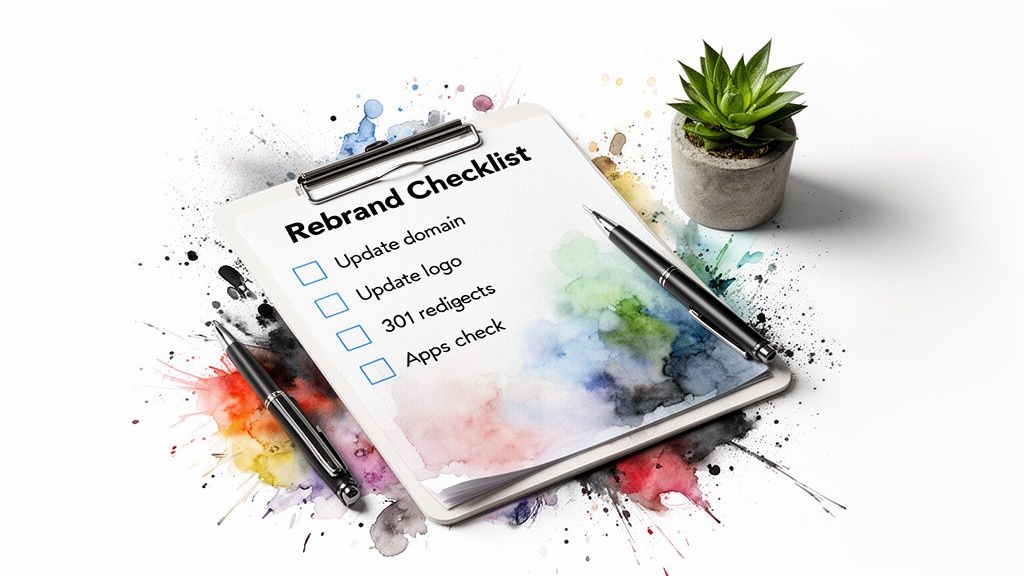
Your Post-Launch Rebranding Checklist
Alright, you've updated your store name in the Shopify admin. That was the easy part. The real work starts now, and how you manage this transition is what separates a smooth rebrand from a confusing mess for your customers.
Think of this as your essential checklist to make sure the change is seamless, professional, and—most importantly—doesn't kill your hard-earned traffic.
This isn’t just a technical tweak; it's a strategic marketing moment. A name change is the perfect excuse to take a fresh look at your overall branding strategy and market positioning and make sure everything is aligned for growth.
Secure Your Digital Real Estate
Consistency is everything when it comes to brand recognition. As soon as you hit save on that new name, it's time to go on a digital land grab and update your identity everywhere your customers might find you.
Social Media Handles: Jump on Instagram, Facebook, TikTok, or wherever you hang out online and see if your new name is available. Grab the handles before someone else does.
Google Business Profile: If you have any kind of local presence, update your Google Business Profile immediately. You don't want customers getting confused when they search for you.
Custom Domain: If the rebrand includes a new URL, buy that domain now and set it as your primary domain in Shopify. This is a massive step for your SEO.
Update Your Visual Identity
A name is just one piece of the puzzle. All of your visual assets need to be updated at the same time to present a unified, professional front.
Go through your site and replace your old logo and favicon everywhere they appear. We're talking about the website header, the checkout page, and all of your email templates. A mismatched logo is a dead giveaway of an incomplete rebrand.
If you're looking for more ideas on how to connect your new brand with your sales goals, our guide on planning and merchandising is a great place to start.
Don't forget the small stuff. Update the copyright text in your website's footer to reflect the new brand name and the current year (e.g., "© 2024 Your New Brand"). It's a tiny detail that signals your store is active and on top of things.
Check Your App Integrations
Third-party apps are the engine of most Shopify stores, but they can get tripped up by a name change. Take a few minutes to cycle through your most important app integrations, especially any that send out customer-facing content.
Think about your review apps, loyalty programs, or subscription notifications. You need to confirm that your new store name is pulling through correctly in all communications. A customer getting a loyalty point notification from your old brand is just plain confusing and can erode trust.
This is also a golden opportunity to rethink your customer experience. Instead of just announcing the change, use it to introduce some new value. You could use an app like Monster Cart to launch your new brand alongside an exciting new rewards system, like offering a free gift or free shipping to celebrate.
This approach immediately builds positive feelings around your new identity and boosts average order value, focusing on long-term customer relationships and lifetime value instead of just short-term discounts.
Turning Your Rebrand into a Revenue Opportunity
A name change is the perfect excuse to re-engage your audience and make some serious money. But hold on—don't just slap a 20% off coupon on everything. Slashing prices can send the wrong message, cheapening your new identity from day one and hurting your long-term customer lifetime value.
Instead, think of this moment as a chance to elevate the entire customer experience with rewards like free gifts, free shipping, or a small thank-you discount. Your rebrand is a powerful marketing event, and you should treat it like one.
This is where a tool like Monster Cart can completely change the game. Imagine launching your new brand name alongside an exciting, gamified cart that rewards customers as they shop. You could set up offers like, "Spend just $10 more to unlock a free gift!" or "You're so close to unlocking free shipping!"
This strategy pairs the excitement of your shiny new brand with a tangible, rewarding shopping experience. It creates fresh buzz, encourages higher spending to boost your average order value (AOV), and builds loyalty that lasts far beyond a single sale.
Focus on Lifetime Value, Not Just a Launch Sale
The real goal here is to increase customer lifetime value, which is all about building sustainable, long-term relationships. By focusing on value-adds like free gifts or shipping tiers, you train customers to associate your new brand with premium perks, not just low prices. This positions your rebrand as a launchpad for real profitability.
For AOV-focused DTC brands, syncing your rebrand with Monster Cart's rewards layer is a proven move. In fact, over 7,000 users have generated $712M in revenue using features like progress bars for "Buy More, Save More" tiers, 'Frequently Bought Together' recommendations, and non-intrusive upsells. In key markets like the US, Australia, and Canada, this strategy also aligns with major trends like AI-powered personalization. Find out more about key Shopify trends in this detailed report on Omnisend.com.
Pro Tip: Don't just announce your new name—celebrate it. Use the rebrand launch to introduce a tiered rewards system. For example, customers spending over $50 get a free sample, and those spending over $100 get free shipping. This boosts AOV and makes everyone feel like a VIP without relying on deep discounts.
Ultimately, a rebrand is about growth, and that means you need proven strategies to increase ecommerce sales that work hand-in-hand with these cart optimizations.
By turning the cart into an interactive rewards engine with Monster Cart, you build genuine excitement and boost your average order value without sacrificing your brand’s integrity.
Common Questions About Changing Your Shopify Name
Even after you know the steps, a few nagging questions always seem to pop up right before you pull the trigger on a Shopify name change. Getting these sorted out is key to moving forward with confidence. We’ve rounded up the most common ones I hear from store owners to give you clear, straight-up answers.
This isn’t just about the technical stuff. It’s about making smart moves that support your brand for the long haul. A rebrand is the perfect moment to rethink how you show up for your customers at every single touchpoint.
Will Changing My Store Name Hurt My SEO?
This is the big one, and the answer is: it depends on what you’re changing.
If you’re only updating your public-facing store display name, you can breathe easy. This has virtually no direct impact on your search engine rankings. Google and other search engines are far more interested in your actual domain name and the content on your pages.
However, if your rebrand involves changing your entire custom domain, you absolutely must set up 301 redirects from your old URLs to your new ones. This is non-negotiable. A 301 redirect tells search engines that your site has permanently moved, passing along all of your hard-earned SEO authority to the new domain. Don’t forget to update your new brand name in your page titles and meta descriptions, too—consistency is key.
Do I Need To Tell My Apps and Payment Gateways?
For the most part, no. Changing just the display name won't break things. Major payment gateways like Shopify Payments or PayPal are tied to your core account ID, not the public name you show customers.
Still, it’s a good habit to do a quick spot-check on your most important apps. Take a look at your review apps, loyalty programs, and email marketing tools to make sure the new name is showing up correctly in customer communications. A mismatch can look unprofessional and create unnecessary confusion for your shoppers.
A rebrand is your chance to make a fresh impression. Instead of just changing the name, use it as a launchpad for a new loyalty offer or a free gift promotion. This builds positive association with your new identity from day one and encourages higher AOV without discounts.
How Can I Preview The New Name Before Going Live?
You absolutely can, and you definitely should. The safest way to see how your new brand will look is by duplicating your live theme. This lets you work on a private copy without your customers seeing a half-finished rebrand.
In your Shopify admin, head over to Online Store > Themes. Find your current theme, click the three-dot menu, and select “Duplicate.”
This creates an unpublished copy of your entire site. From there, you can go into your settings, change the store name, and then use the "Preview" option on that duplicated theme. This lets you click through every page—homepage, product pages, collections—to see exactly how the new name and logo feel.
Once you’re happy with how everything looks, just publish the duplicated theme. It's a simple process that helps you avoid any awkward, "under construction" moments. Learning how to properly preview changes is just one of many ways you can learn how to increase your conversion rate on Shopify.
A name change is the perfect time to elevate your entire customer journey. With Monster Cart, you can transform your cart into an interactive rewards engine that boosts AOV without hefty discounts. Celebrate your new brand by offering exciting perks like free gifts or free shipping, turning your rebrand into a profitable new beginning focused on lifetime value. Explore Monster Cart today
Join 7000+ brands using our apps